
WiNG (CC BY-SA 4.0)
Cast the first vote in 1 tap — pick #1 Gamma or #2 Beautiful.ai to reveal the live split:
Tested on 60-second prompt-to-deck quality, native PowerPoint/Google Slides export fidelity, brand guardrails, and seat pricing.
WiNG (CC BY-SA 4.0)

Starting order. Vote up or down to reorder this list.
Think something was robbed of a spot?
Nominate a missing contender — once approved, the community votes it up or down into the rankings.
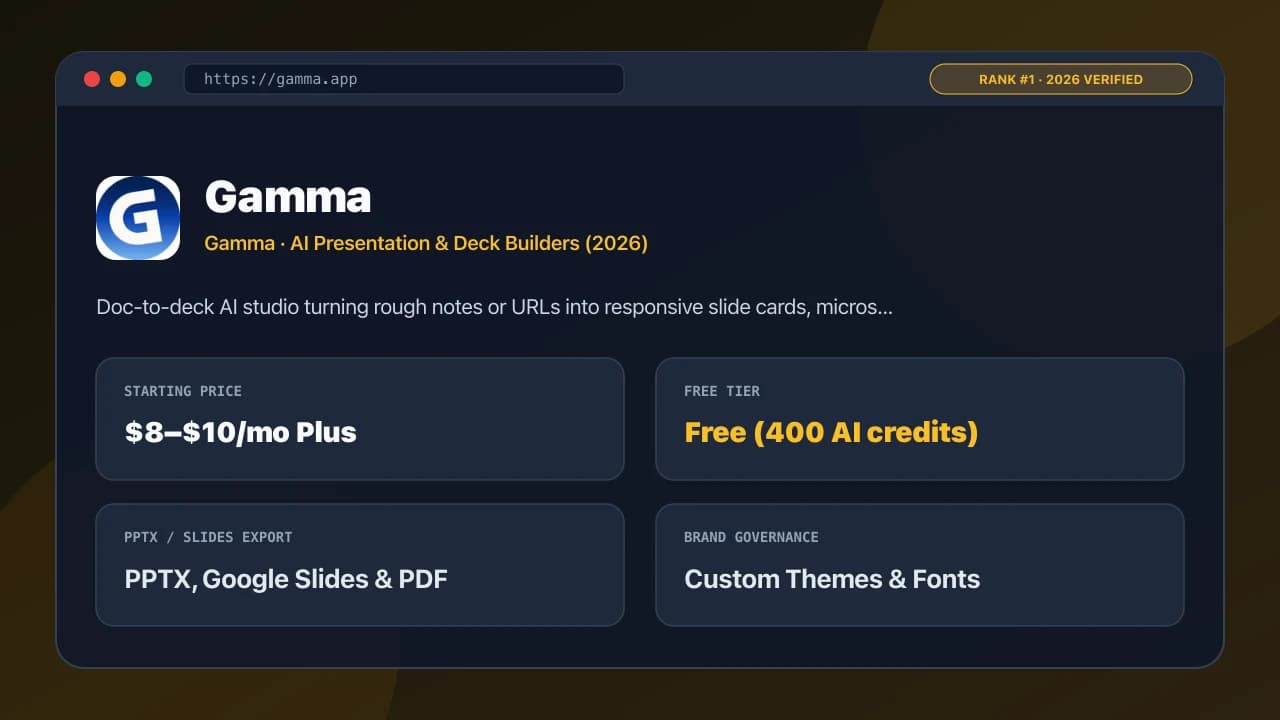
Gamma eliminates pixel-pushing by treating slides like responsive Notion-meets-Keynote cards: paste a 2,000-word brief, pick a custom brand theme, and Gamma structures concise callouts, diagrams, and grids with per-card view analytics.
Pros
Cons
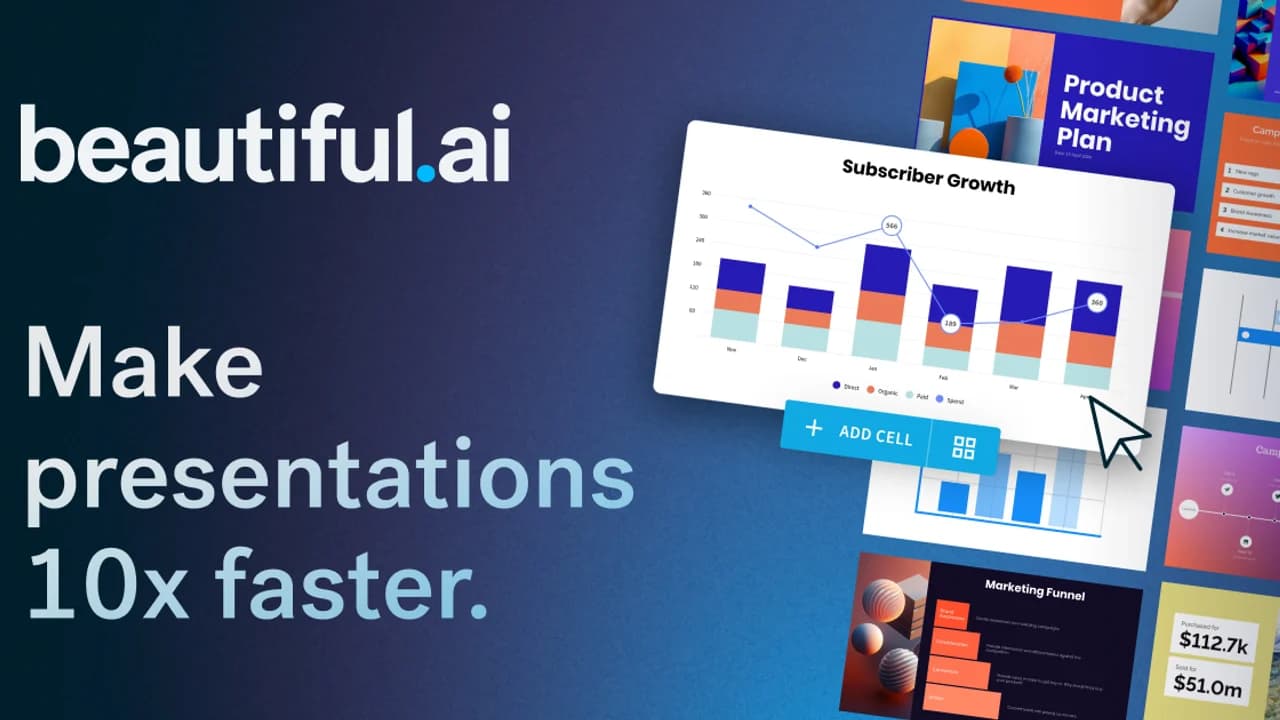
Beautiful.ai acts like an opinionated design director inside every slide: add a fourth KPI card or resize a chart and its Smart Slide engine reflows margins, font sizes, and brand colors automatically—exporting clean 16:9 PowerPoint files.
Pros
Cons
Pitch gives startups and B2B revenue teams the best multiplayer collaboration outside Figma: generate an initial AI draft, polish with modern typography and live data embeds, attach async webcam bubbles, and track every recipient's slide opens.
Pros
Cons

Plus AI solves the #1 enterprise complaint about standalone AI deck apps—broken `.pptx` exports—by living natively inside Google Slides and PowerPoint. Generate full decks from Word/PDF uploads or click 'Remix' to reformat any messy slide instantly.
Pros
Cons
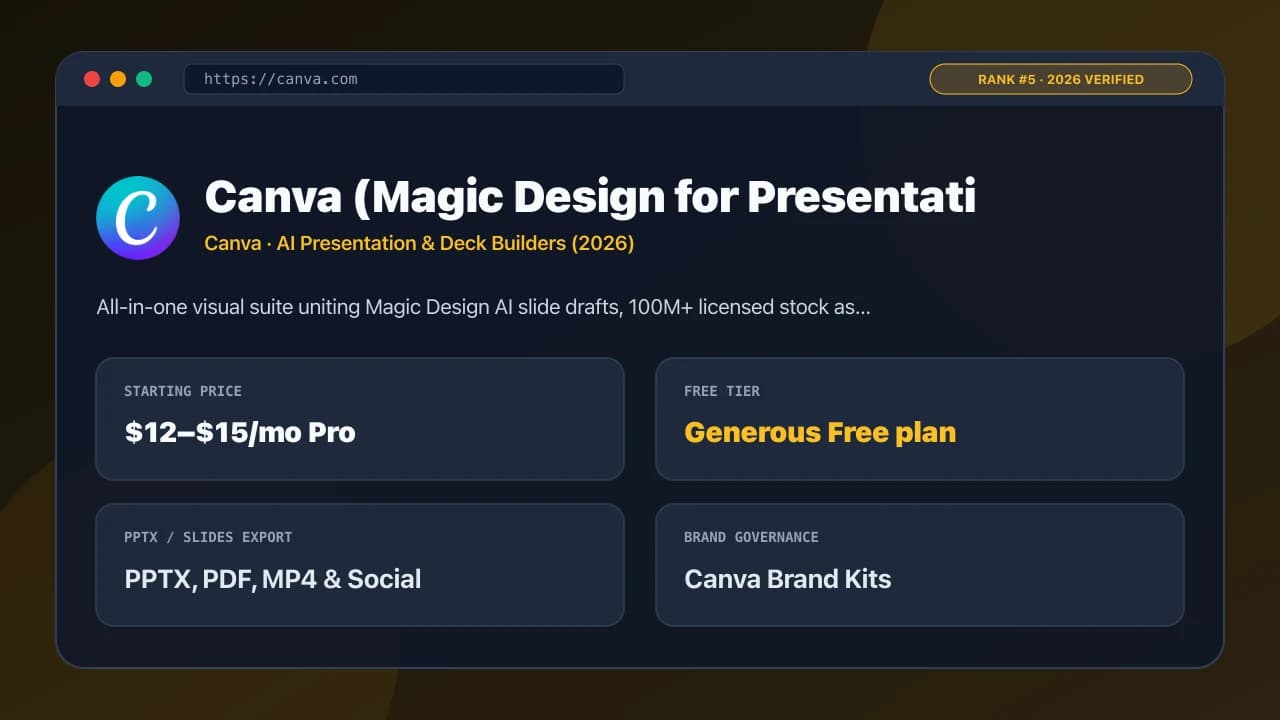
Canva's Magic Design drafts multi-slide presentations paired with millions of licensed photos, icons, charts, and AI image/background tools—then lets marketers convert a 10-slide deck into a LinkedIn carousel or MP4 video in two clicks.
Pros
Cons

For Google Workspace organizations, Gemini in the Slides side panel removes security friction completely: reference `@Q4-Strategy-Doc` directly in Drive to generate grounded slides, speaker notes, and custom background visuals inside your existing security boundary.
Pros
Cons
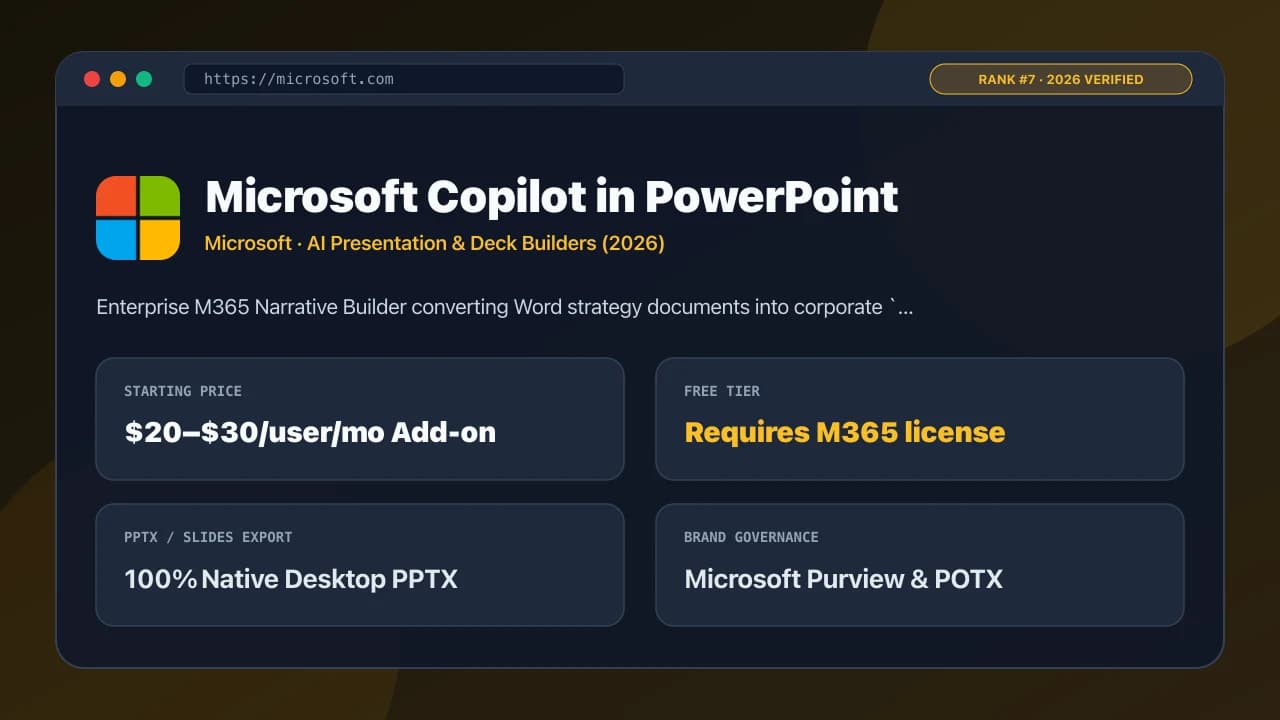
Microsoft Copilot in PowerPoint shines inside Fortune 500 SharePoint environments: point Narrative Builder at a 15-page Word specification, review the editable chapter outline, and generate slides mapped to your approved corporate `.potx` template with speaker notes.
Pros
Cons
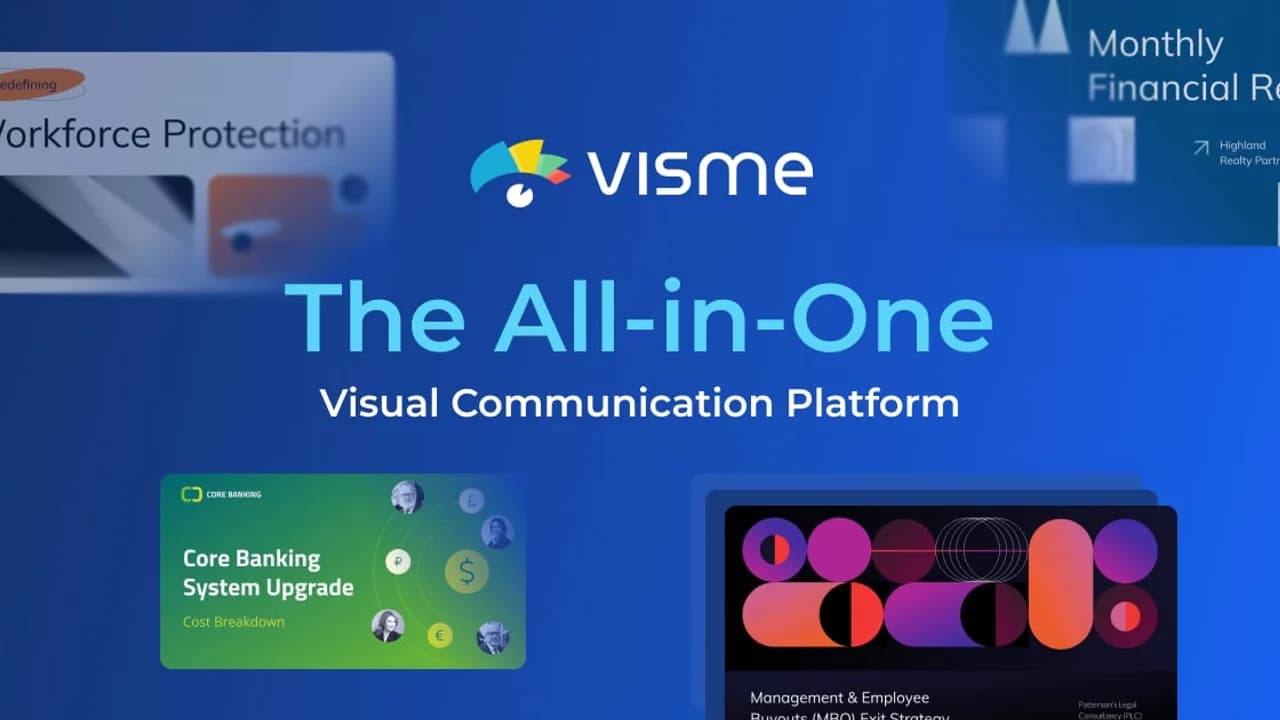
Visme stands apart from text-first AI slide makers through data visualization depth: connect live Google Sheets or CSVs to 50+ interactive charts, choropleth maps, and animated callouts, then export as PPTX, interactive HTML5, or LMS SCORM.
Pros
Cons

Decktopus guides nervous or time-pressed speakers step-by-step: specify your target audience and time limit, generate structured slides, practice with its built-in AI presentation coach and anticipated Q&A objections, and embed lead forms right inside shared links.
Pros
Cons

SlidesAI keeps things refreshingly simple and cheap: paste lecture notes, a research paper abstract, or meeting bullet points inside its Google Slides extension, translate across 100+ languages, and get a clean starter slide skeleton ready to customize.
Pros
Cons
Have a list idea?
Start your own list and get help drafting entries with AI. A free account is required.
Create a list with AI →Debating whether #1 Gamma holds the top spot against #2 Beautiful.ai.
The published order is the starting point; item votes can help reshape it.
Rank Scramble: Can You Order Today's Top 10?
Drag ten shuffled picks into their live community order in under 60 seconds.
Rank it your way
Remix this list into your own ranking, or head to the play hub for every game mode and community breakdown — blind mode, challenges, tier lists, and more.

#1 The Metaverse · #2 Web3 / Blockchain · #3 NFTs
Explore this ranking →
#1 VS Code · #2 Blender · #3 Linux (Ubuntu)
Explore this ranking →
#1 First Solar · #2 NextEra Energy · #3 Enphase Energy
Explore this ranking →